Manage work package categories
In the work package forms you have the default attribute to select work package categories to differentiate work packages, filter, and group by certain attributes.
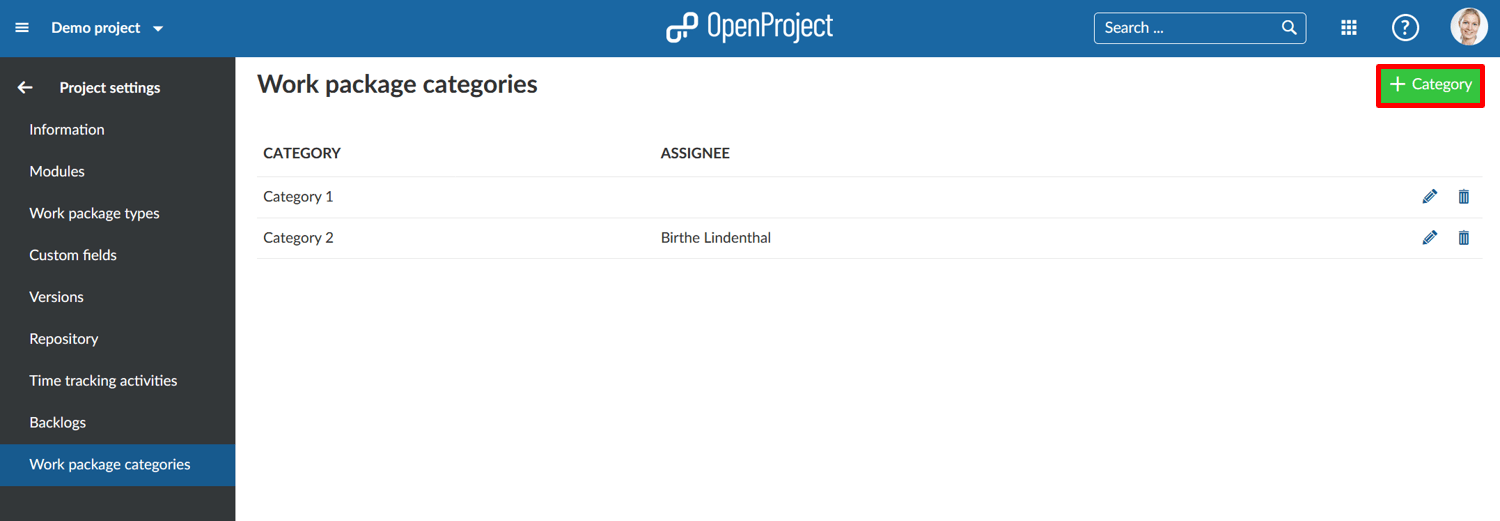
You can manage these work package categories in the -> Project settings -> Work package categories.
Create a new work package category
Press the green + Category button to create a new category for a project.
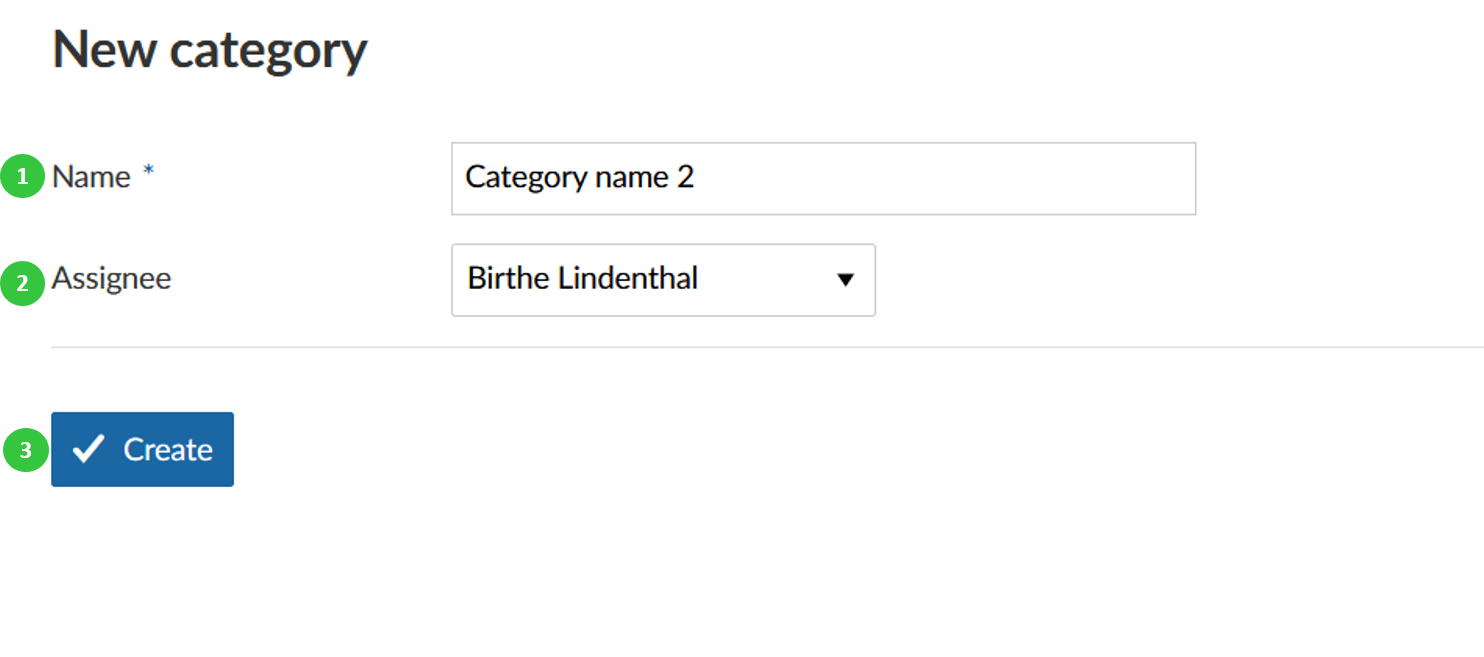
You can enter the following information.
- Name your category
- Choose a default Assignee if the work package has this category.
- Press the blue Create button.
Edit or delete a category
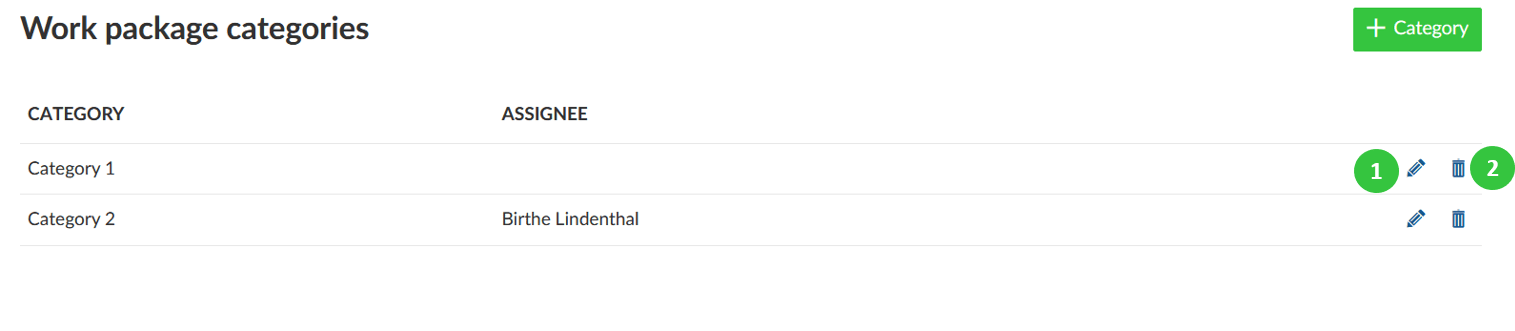
From the list of categories you can choose a category to edit or delete.
Press the edit button to make changes to a category.
Press the delete button to delete a category.